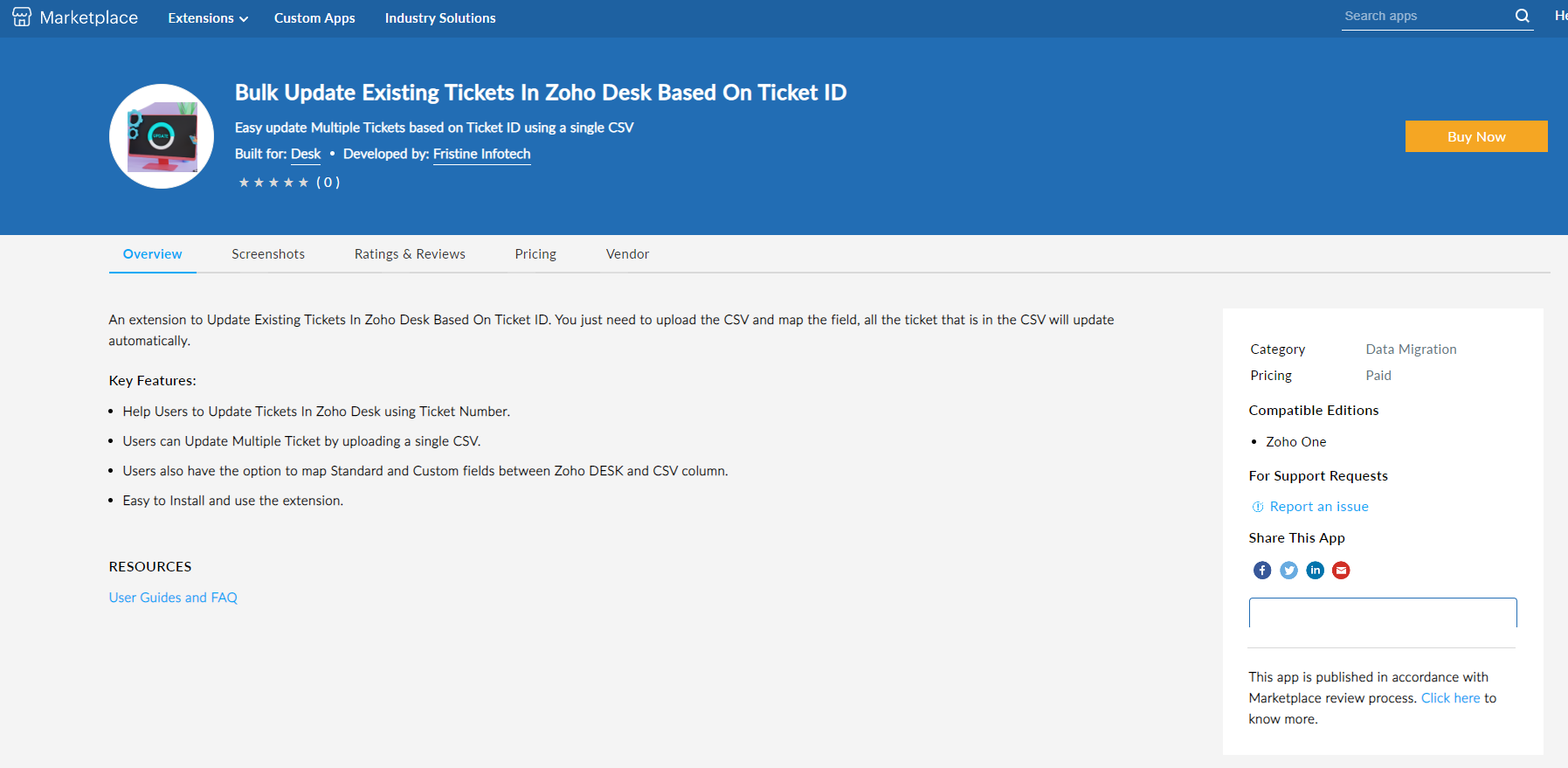
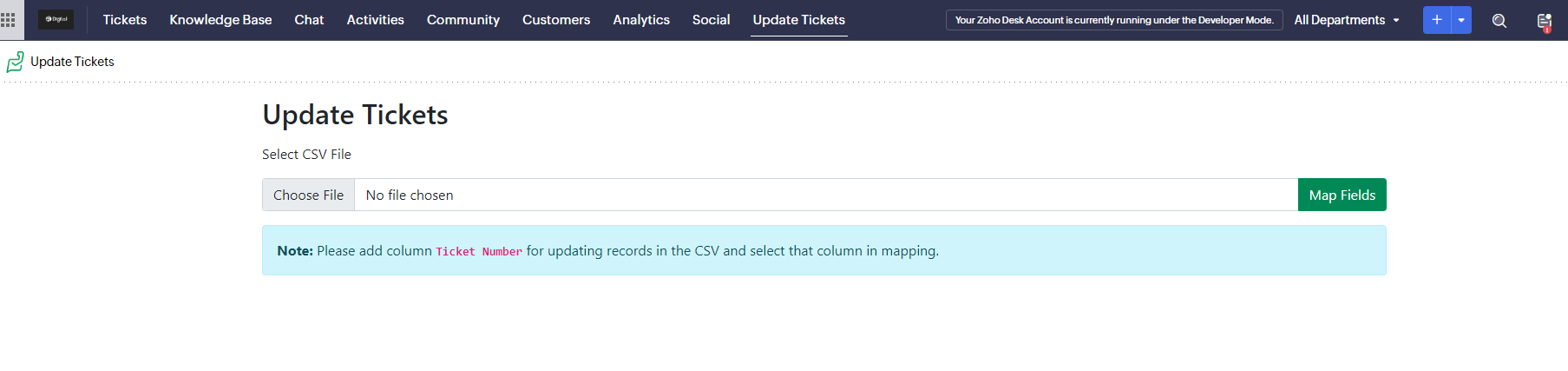
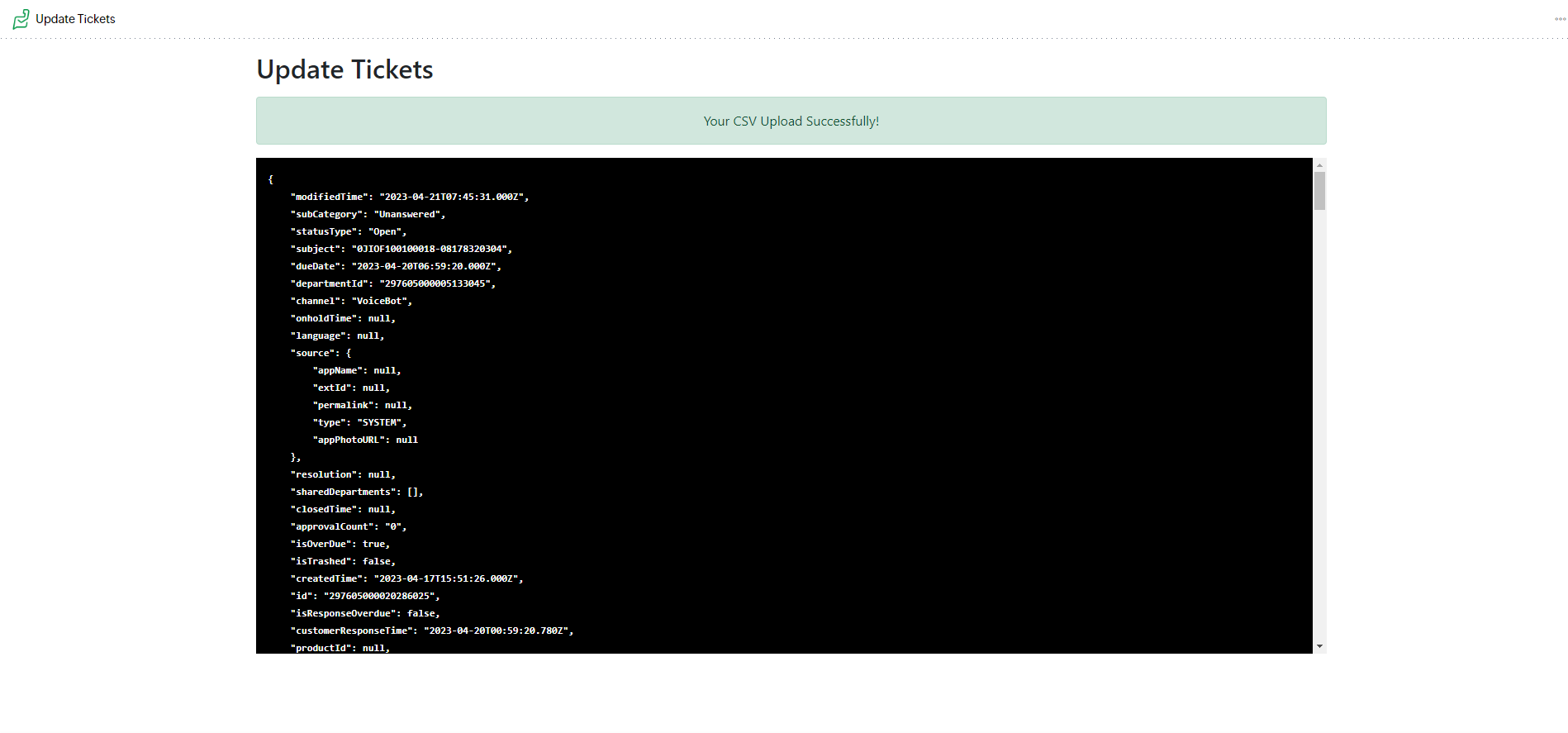
The Update Existing Tickets In Zoho Desk Based On Ticket ID extension now lets you update tickets in bulk. You just need to upload the CSV and map the field, all the tickets in the CSV will update automatically.
Key Features:
- Update tickets in Zoho Desk using the ticket number.
- Update multiple tickets at once by uploading a single CSV file.
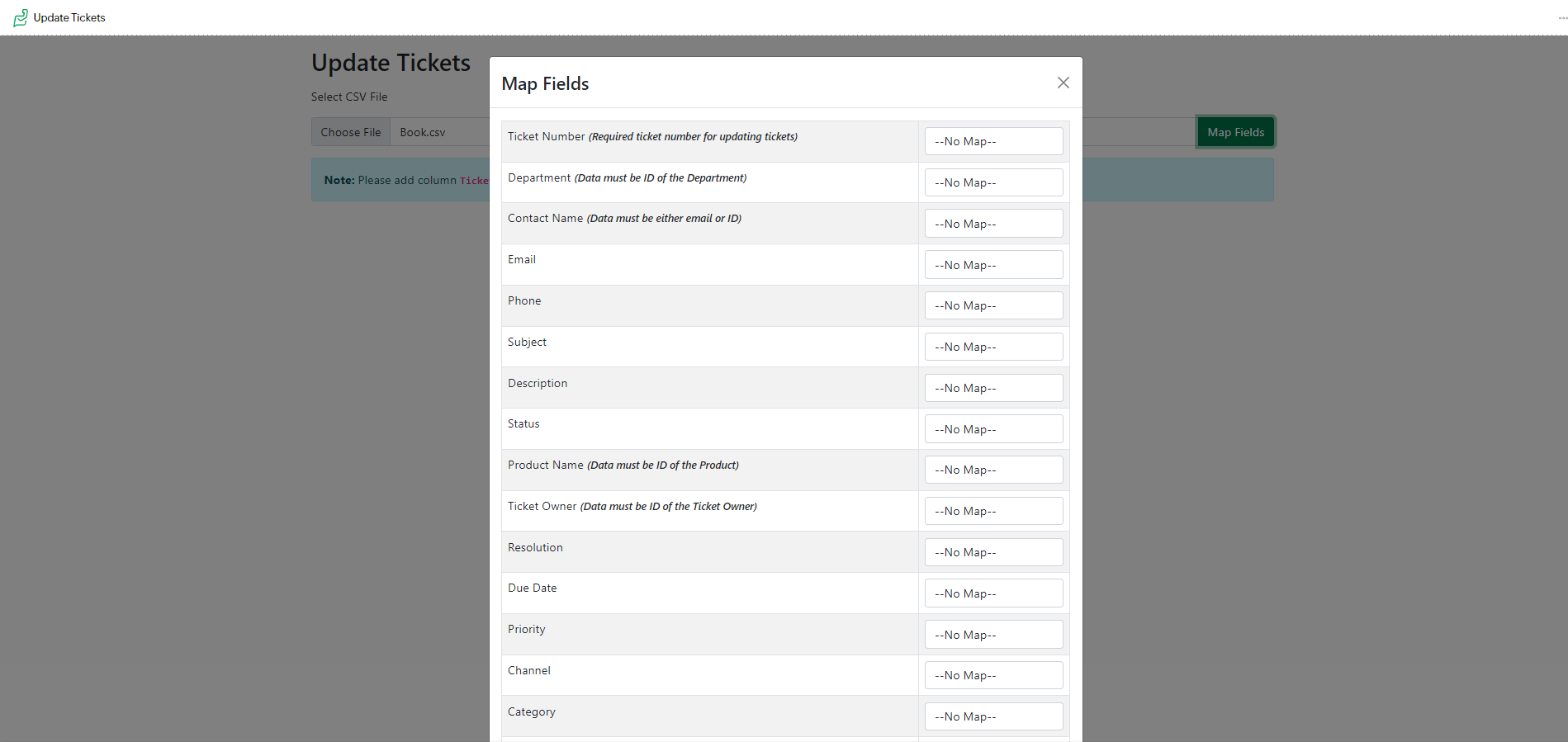
- Map standard and custom fields between Zoho DESK and the CSV columns.
- Install the extension easily and begin using it effortlessly.
Installation Steps
Step One
installed “Bulk Update Existing Tickets In Zoho Desk Based On Ticket ID” extension, you will get two options-
- I have agreed to the terms of services
- I authorize Google Address Finder to access and process my data as required.
Then click on “Continue.”
Step Two
Next, you need to “Choose Users/Profiles.”
Select the appropriate option out of these three-
Then hit “Confirm.”
Step Three
Then choose your subscription options.
Then click on “Pay Now.”
If you have any other questions we’ll be happy to answer them, simply send an email to zohomarketplace@fristinetech.com